A fasting timer that stays a timer.
One ring, one button, and the phases your body moves through as the hours pass. No sign-up, no account.
Free · No account · No ads · iPhone
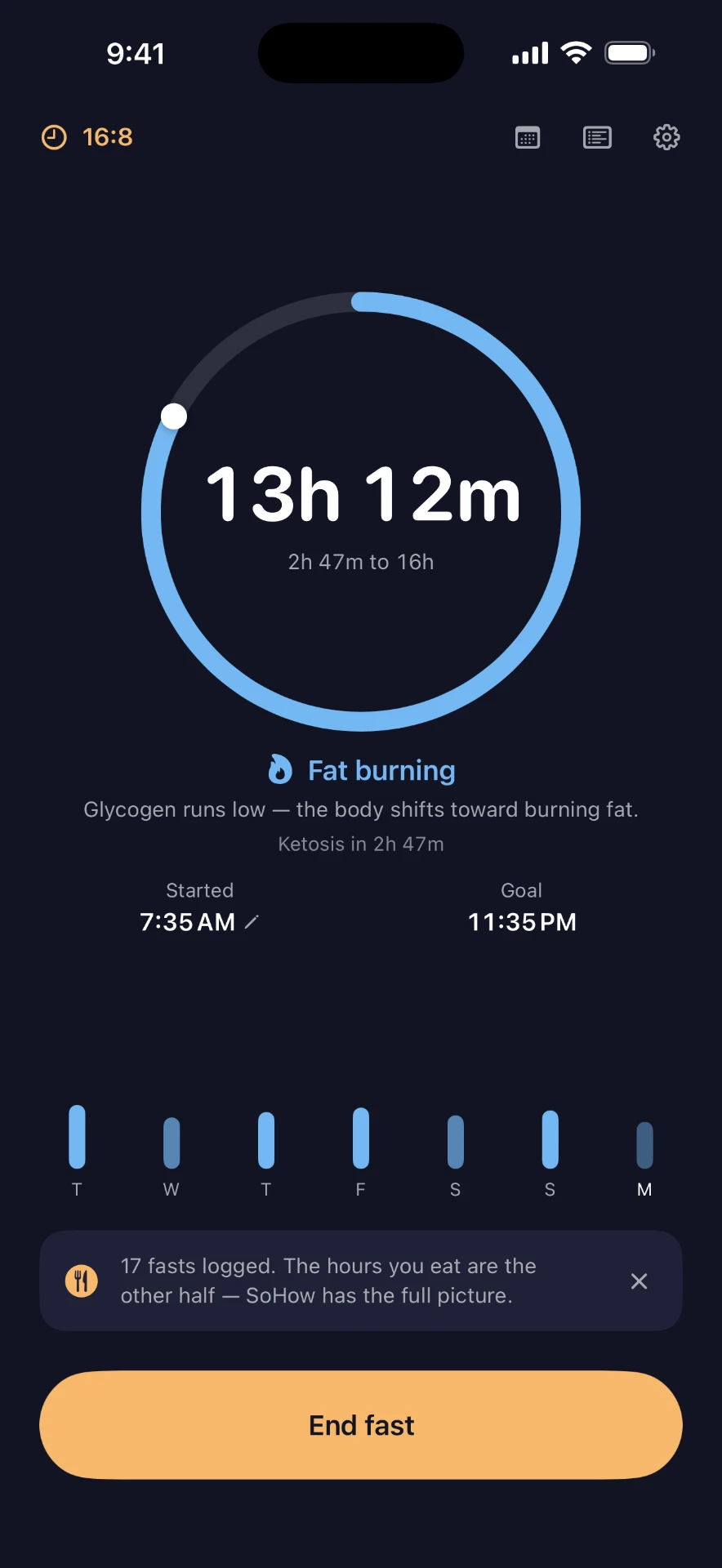
One ring. One button.
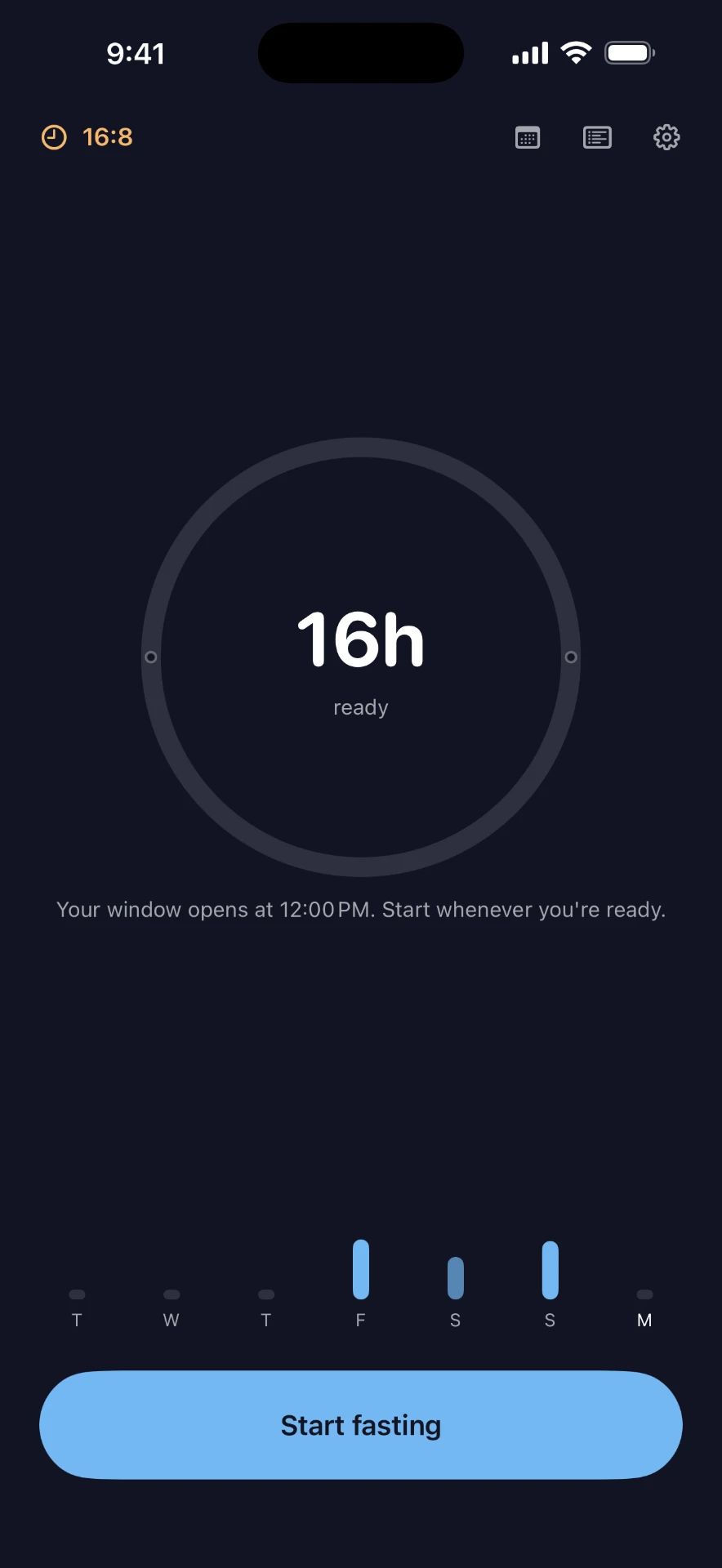
Start a fast and the ring fills toward your goal. Glance at it and you know where you are, how long is left, and what comes next. End the fast when you're ready. That's the app — and it's meant to be.
How it works
- 1
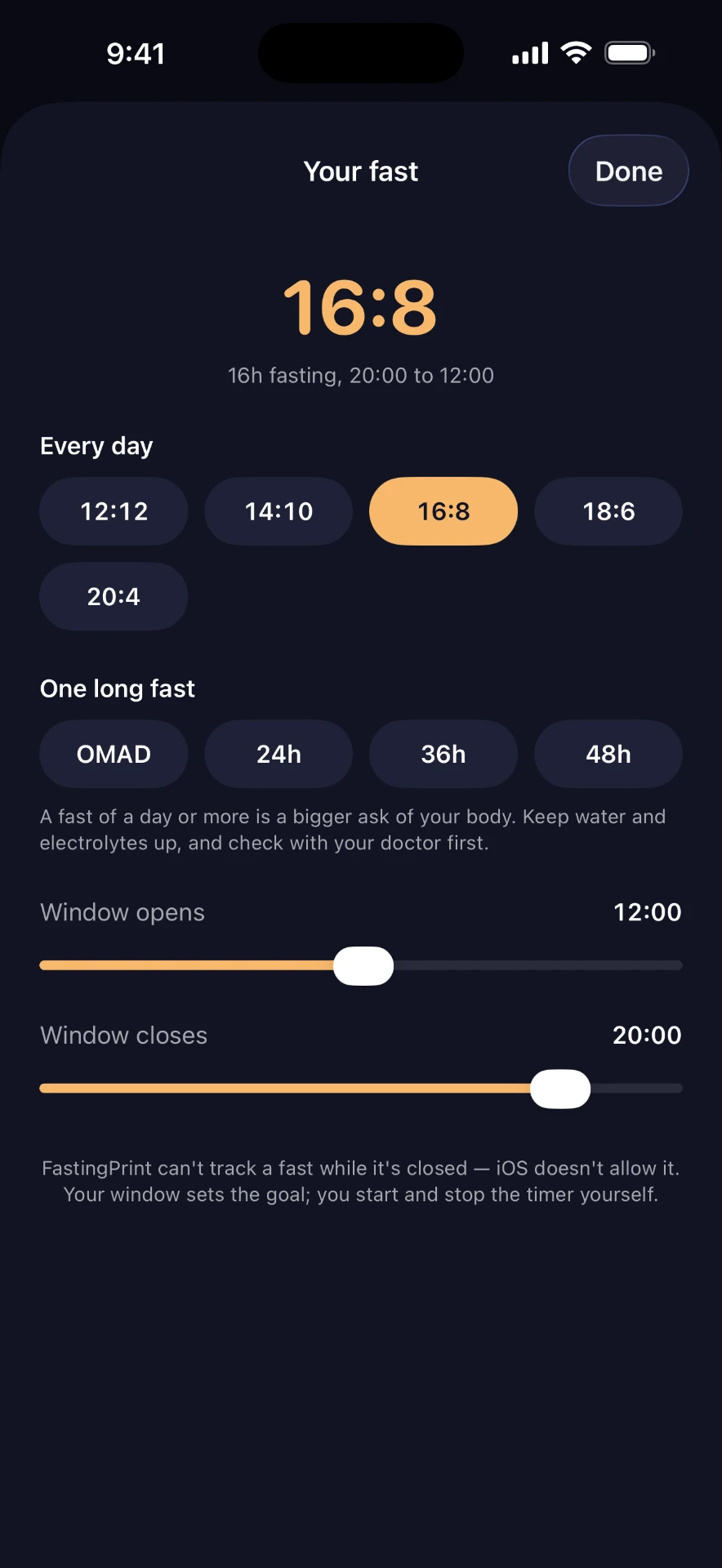
Pick your fast. 14:10, 16:8, 18:6 — or set your own eating window. Change it any time.
- 2
Tap Start. The ring fills, and the screen shows which phase you've reached and when the next one begins.
- 3
Tap End. Every fast lands in your history. Forgot to tap Start? Fix the time afterwards.
Features
The phases, as a guide
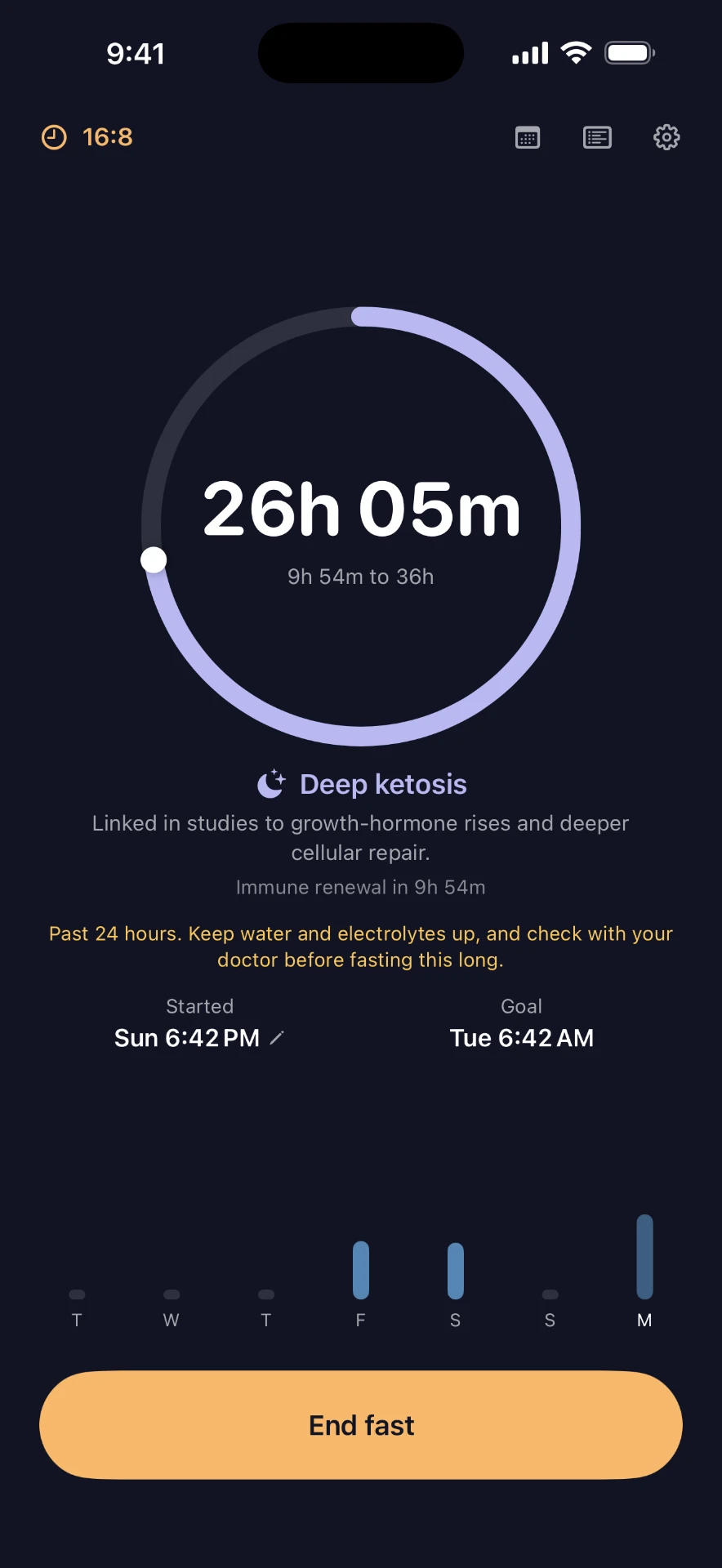
Blood sugar drop, fat burning, ketosis, autophagy and beyond — marked on the ring, each with a one-line explanation. A rough guide, not a measurement of your body.
On your Lock Screen
Your running fast lives on the Lock Screen and in the Dynamic Island, with an End button. A Home Screen widget shows the ring.
Plan ahead
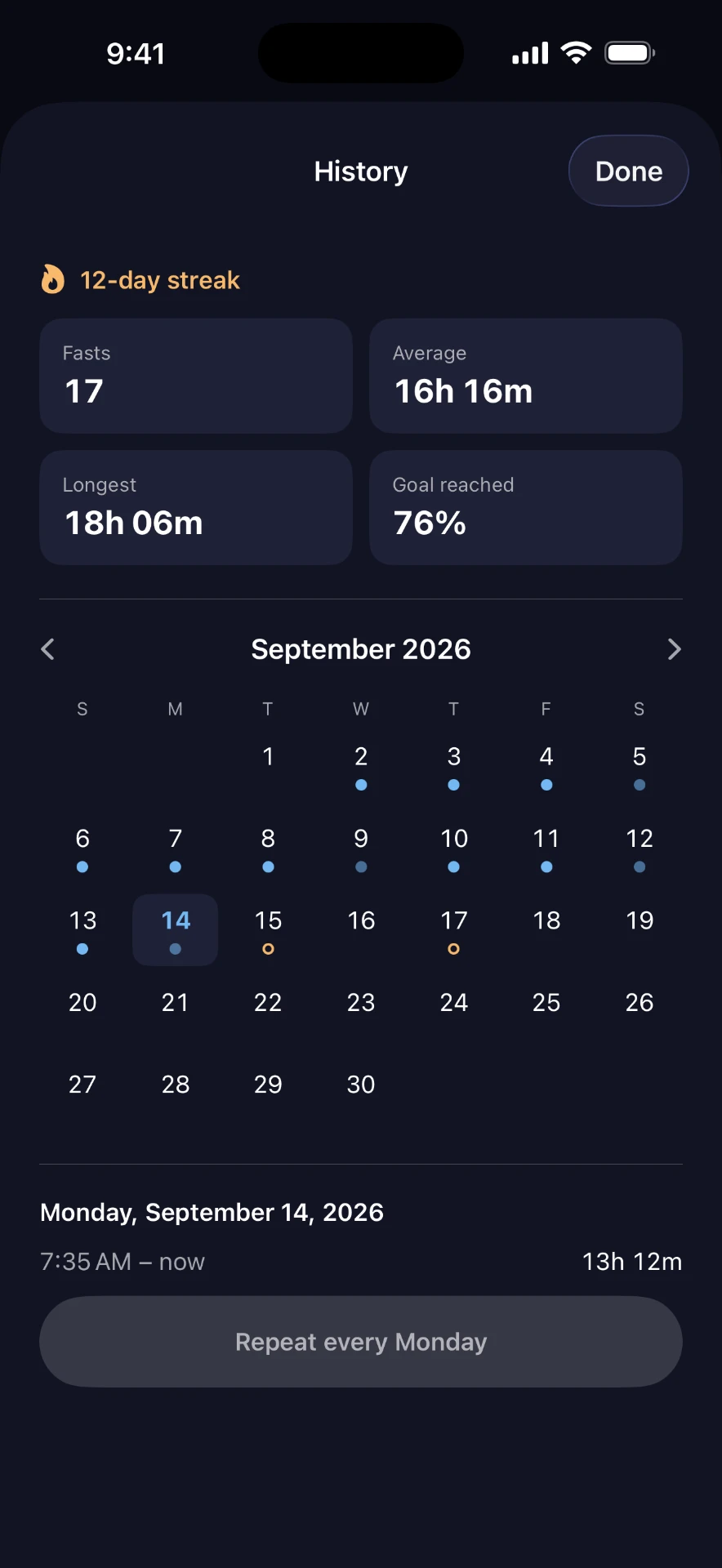
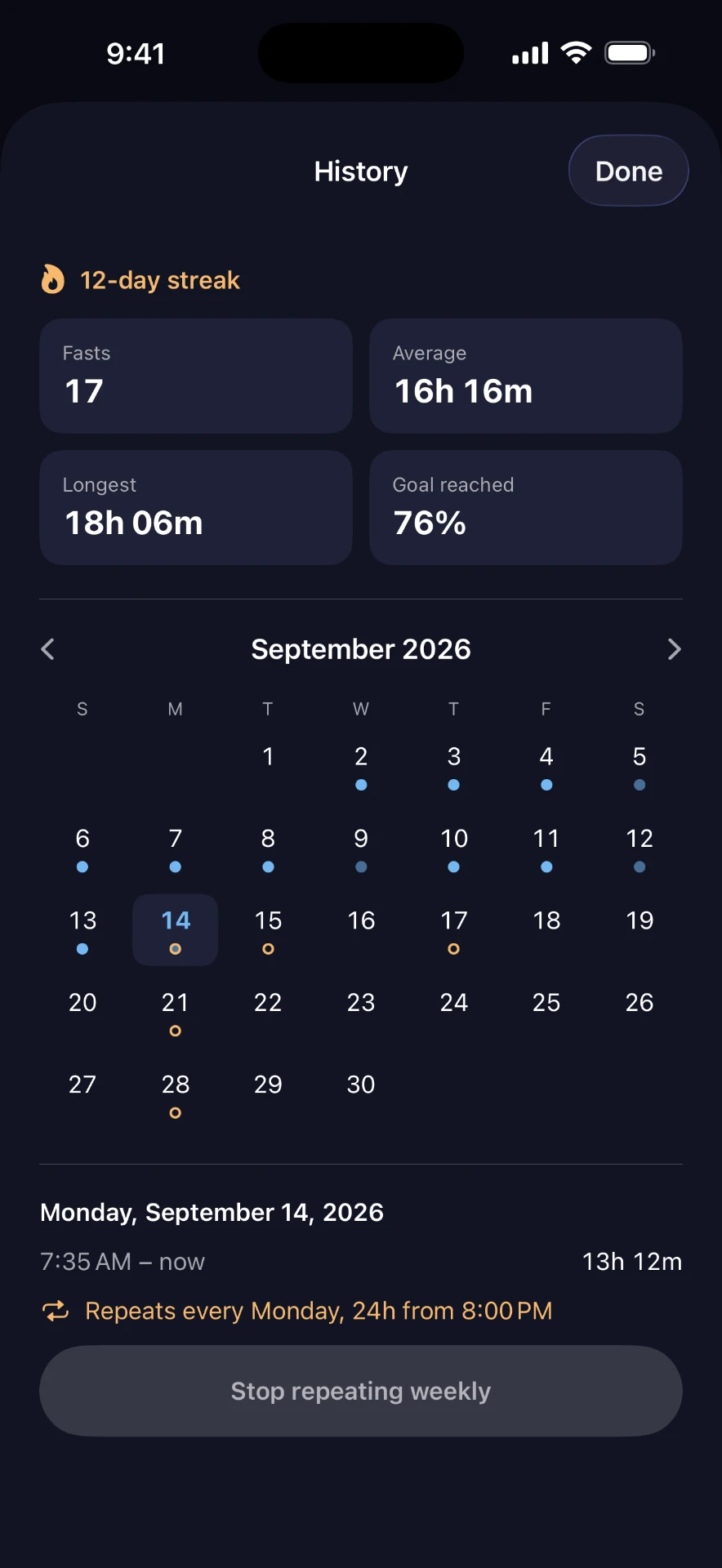
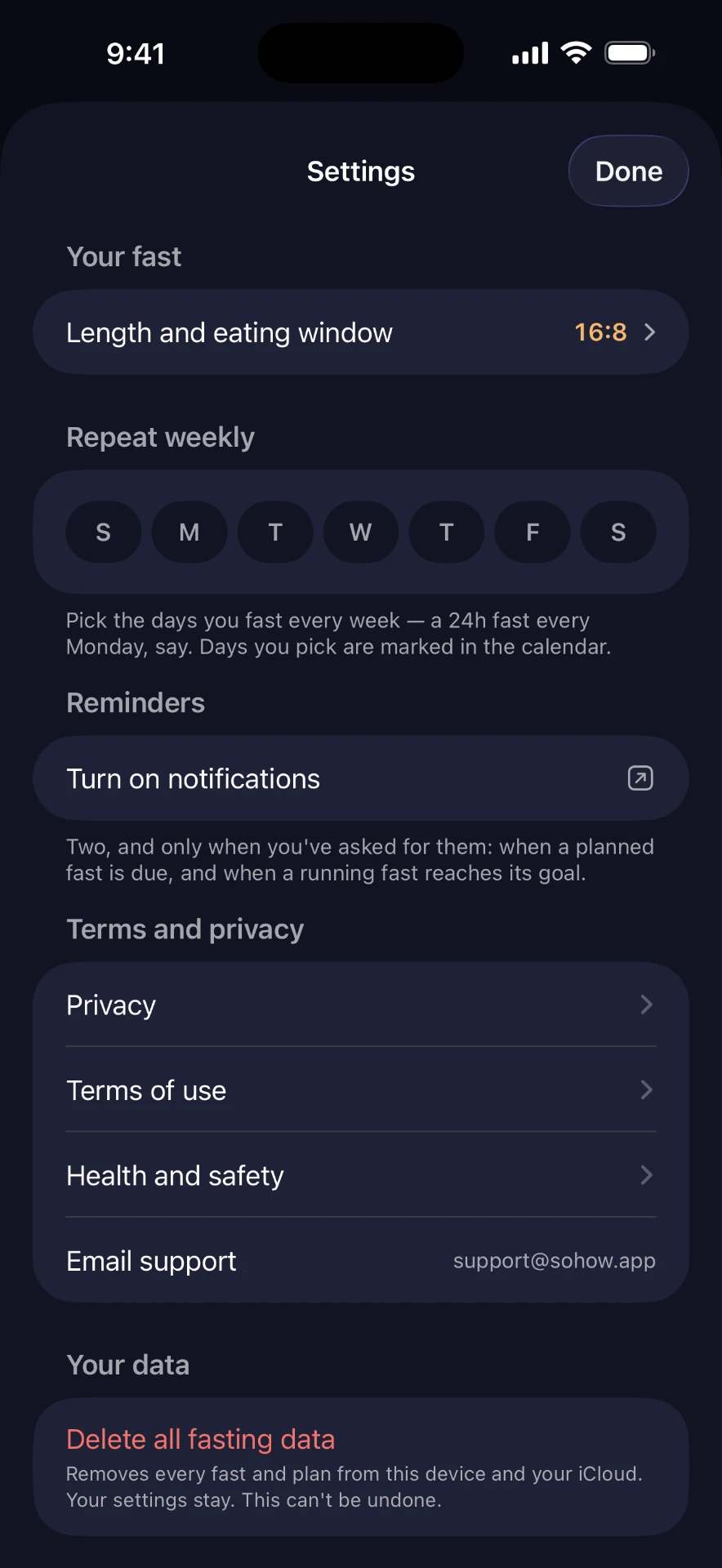
Plan a fast from the calendar and FastingPrint reminds you when it's time to start — and again when you reach your goal. Or repeat it: every Monday, 24 hours, from 8 PM.
Your history, honestly
A streak, your average, your longest fast and how often you reached your goal. The last seven days sit under the ring.
Long fasts, with care
OMAD, 24, 36 or 48 hours. Past a day, the app says so plainly: keep water and electrolytes up, and check with your doctor.
Private by design
No account, no ads, no tracking. Your fasts sync through your own iCloud.
The whole app
Nothing to sign up for. Nothing collected.
FastingPrint has no account and no servers of its own. Your fasts are stored on your iPhone and synced through your private iCloud — we can't see them. No analytics, no ads, no tracking. The only permission it asks for is notifications, and only when you plan a fast. Delete everything from Settings whenever you like.
Read the privacy policy →Half the picture.
A fast is the hours you don't eat. What you eat, how you move, how you feel and how you sleep are the other half — that's SoHow, the app FastingPrint grew out of. FastingPrint stays a timer.
See SoHow →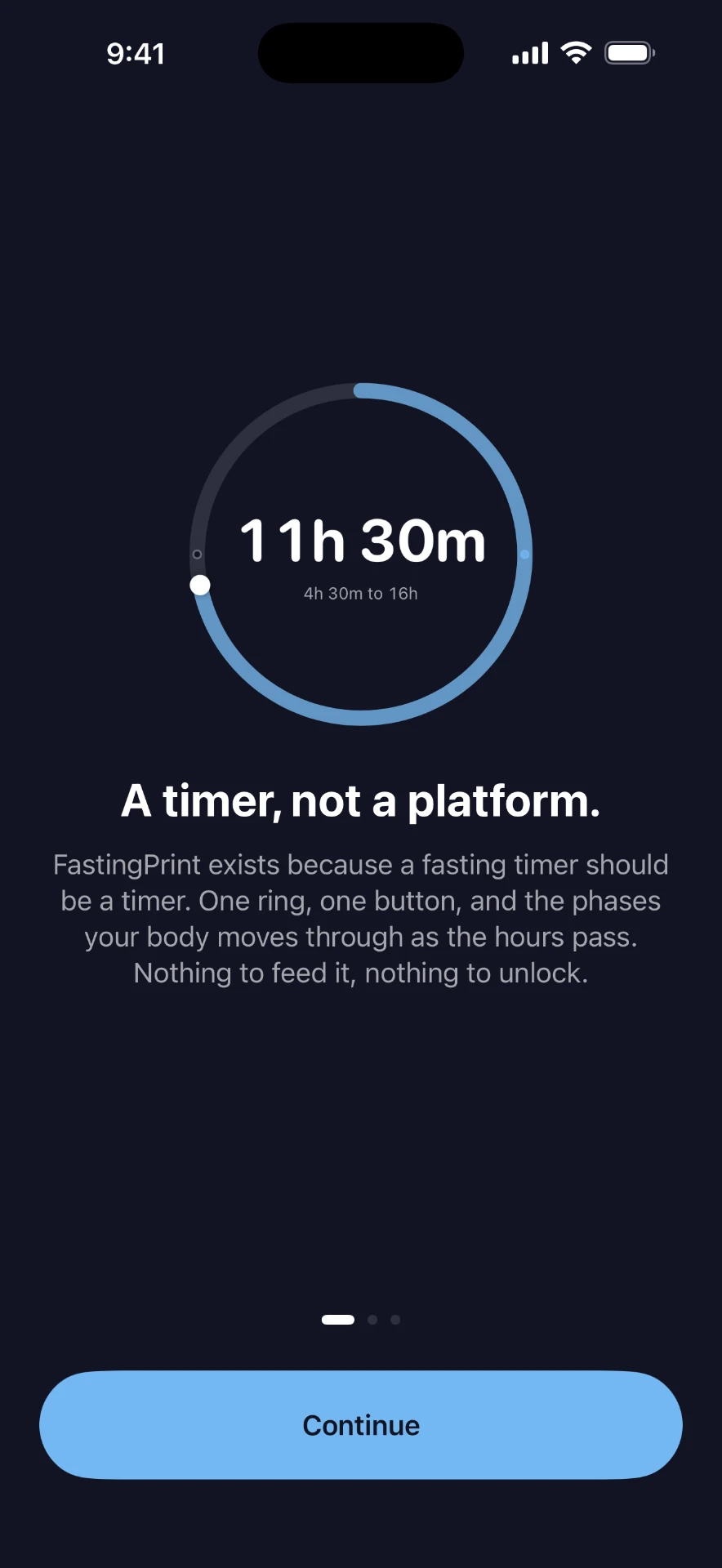
Questions
Yes. There's no subscription and no in-app purchase.
Start your next fast.
One ring. One button. No account.